01
Choose the application
Start a clean KiCad or FreeCAD environment with the SDK. No installation or desktop setup.
Managed application environments
Managed desktop environments for computer-use agents, with guardrails, application monitoring, and artifact checkpoints built in.
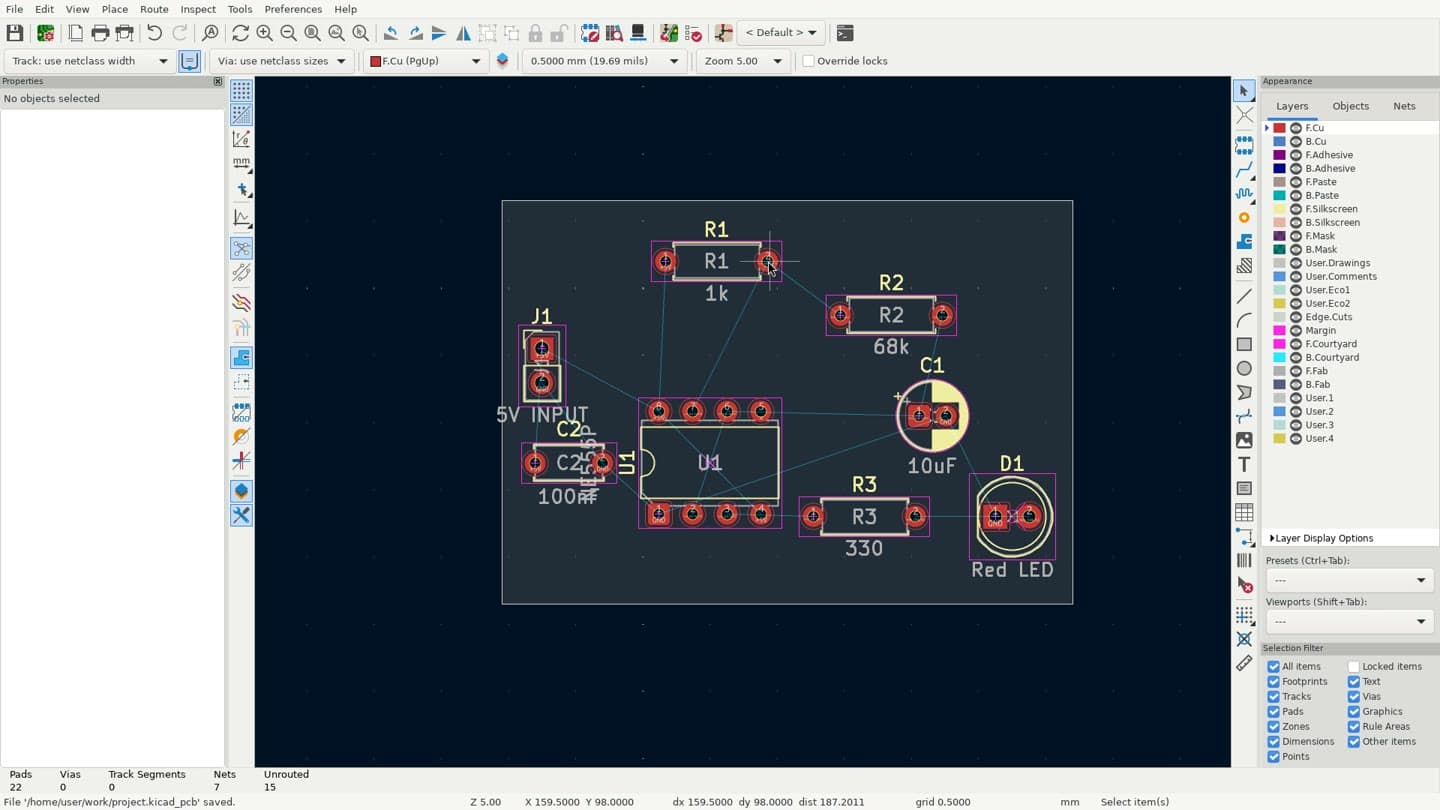
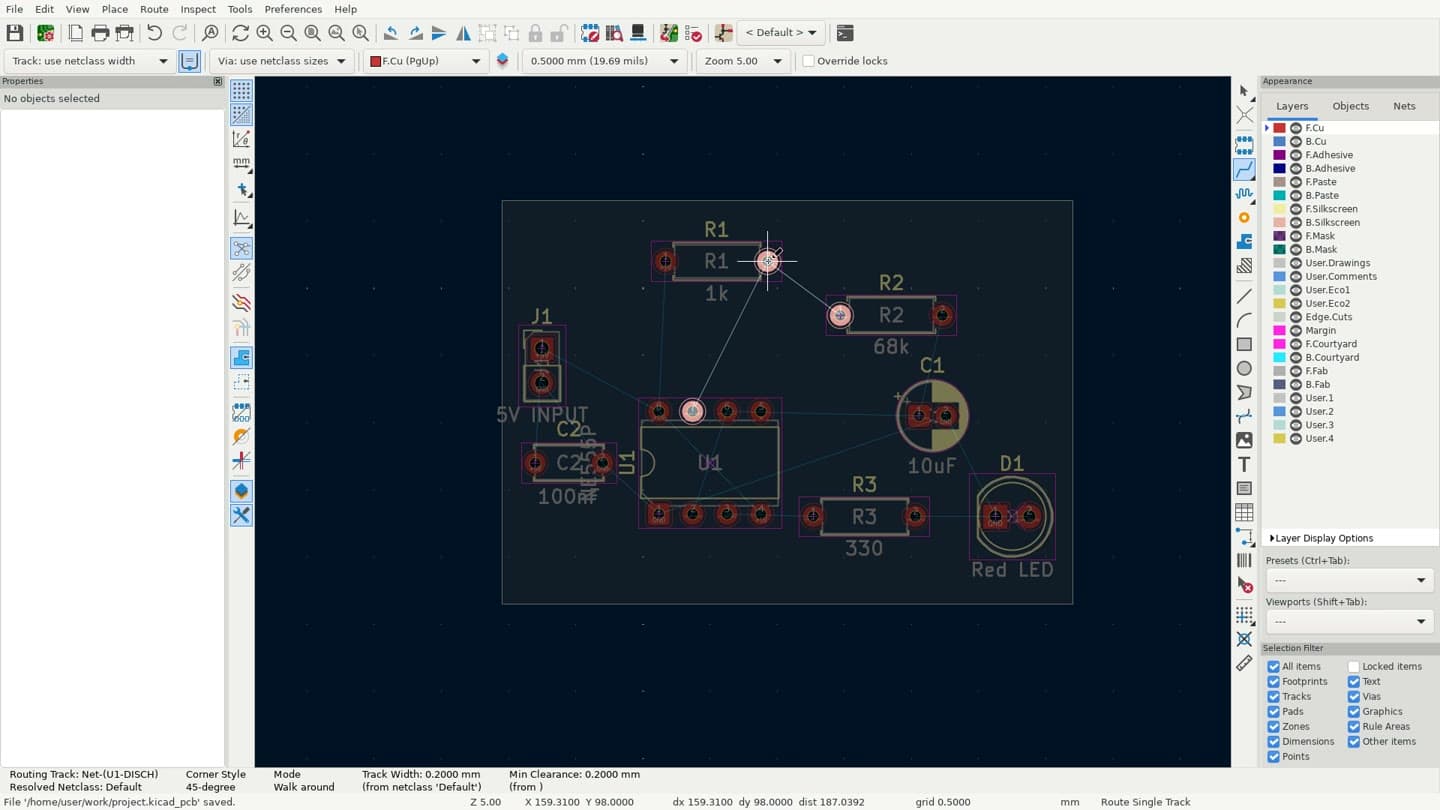
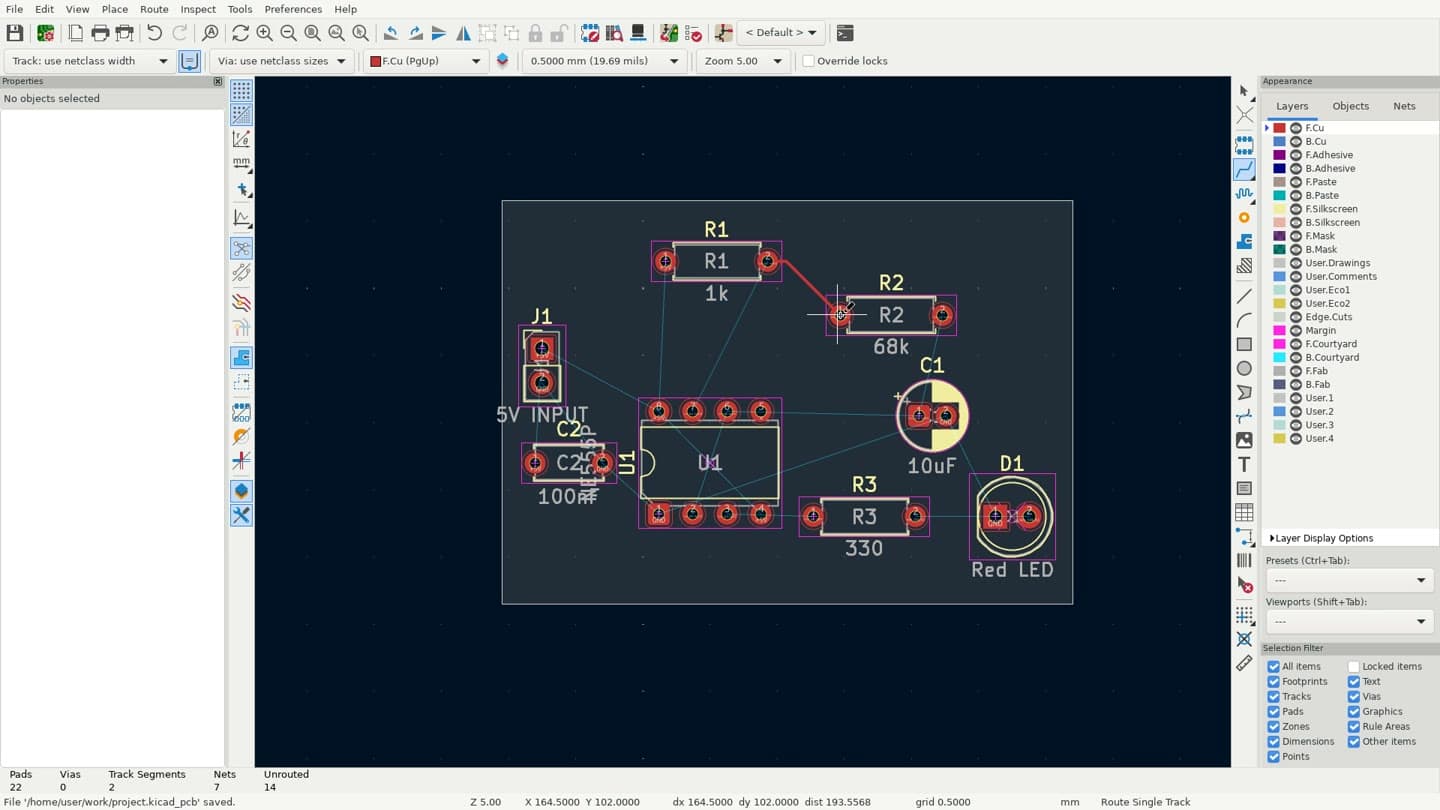
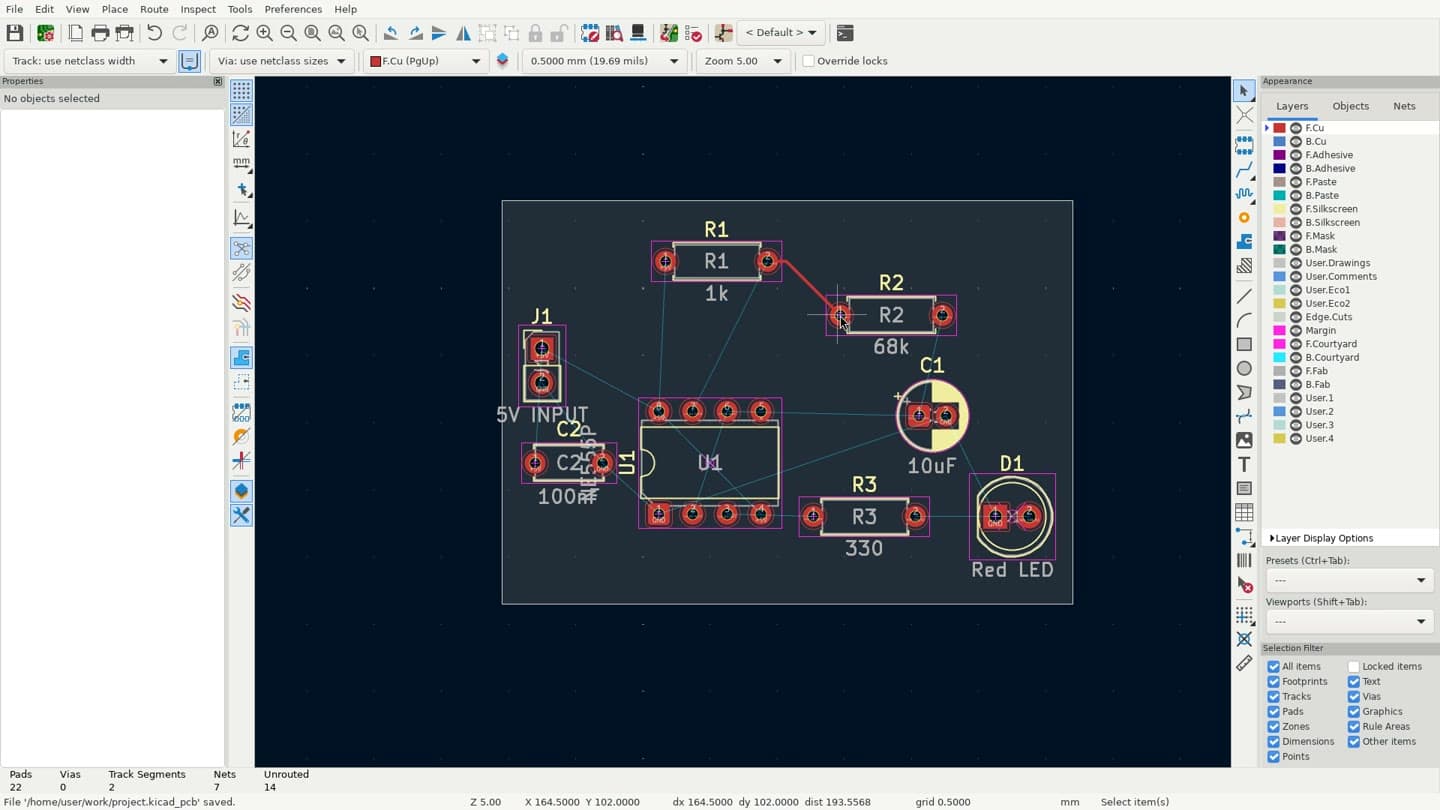
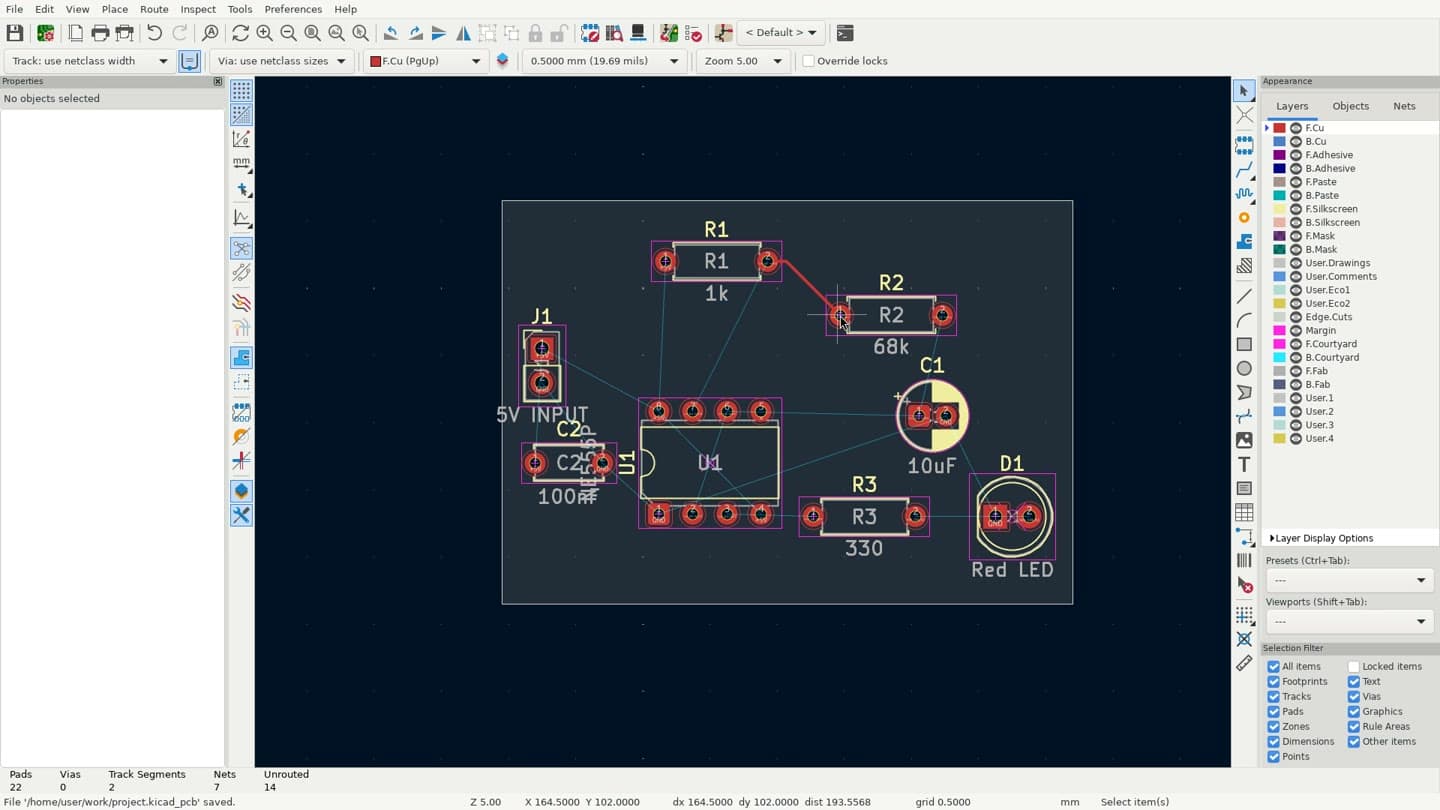
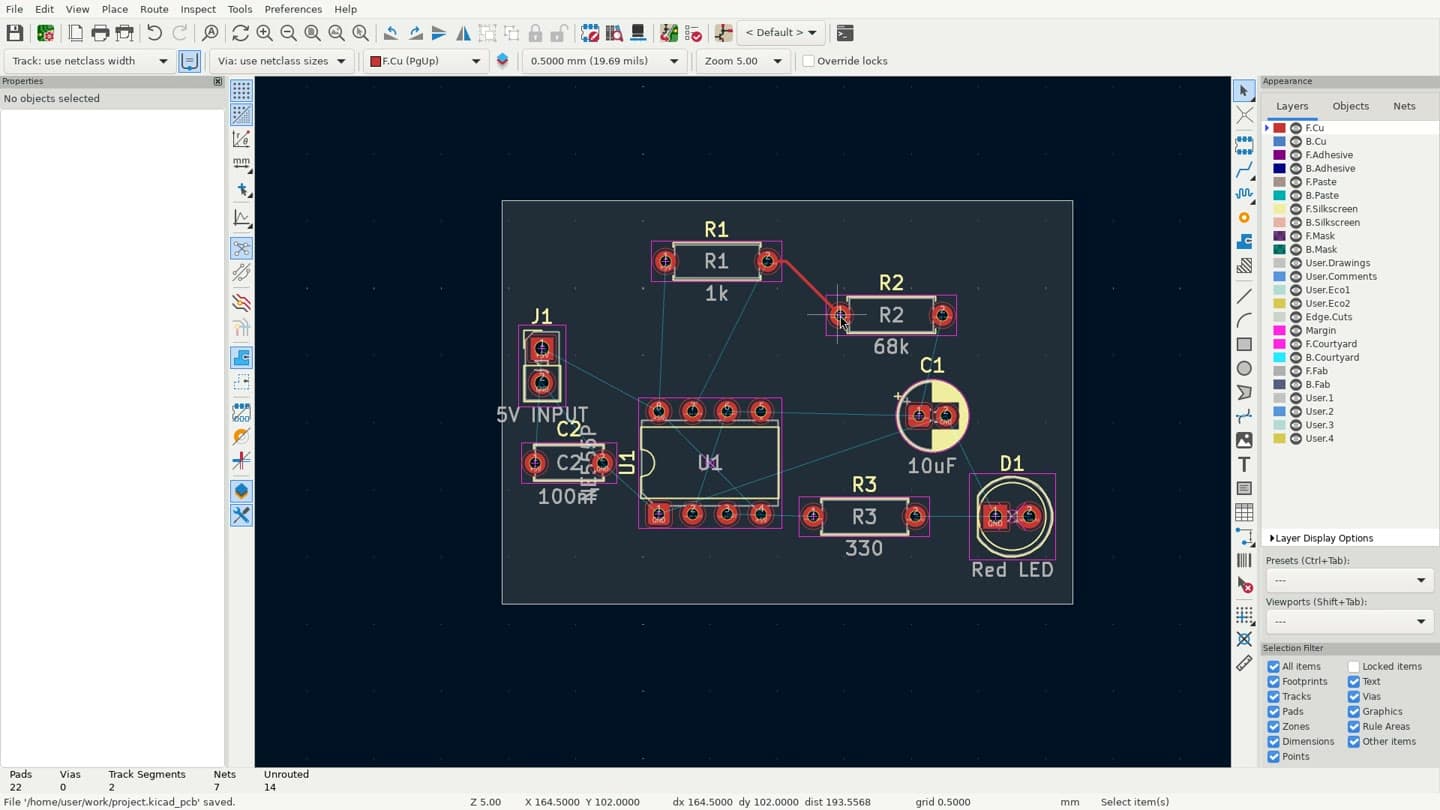
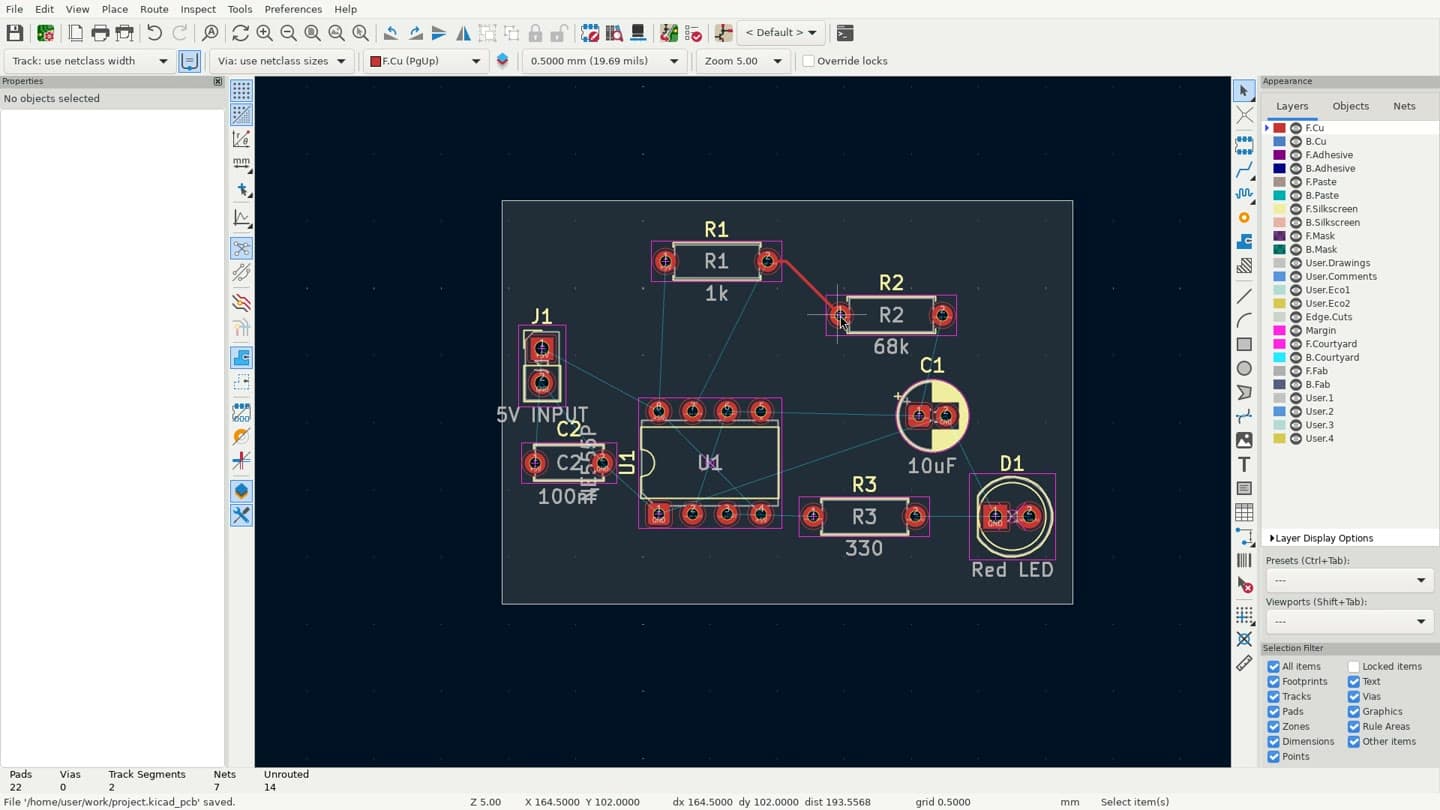
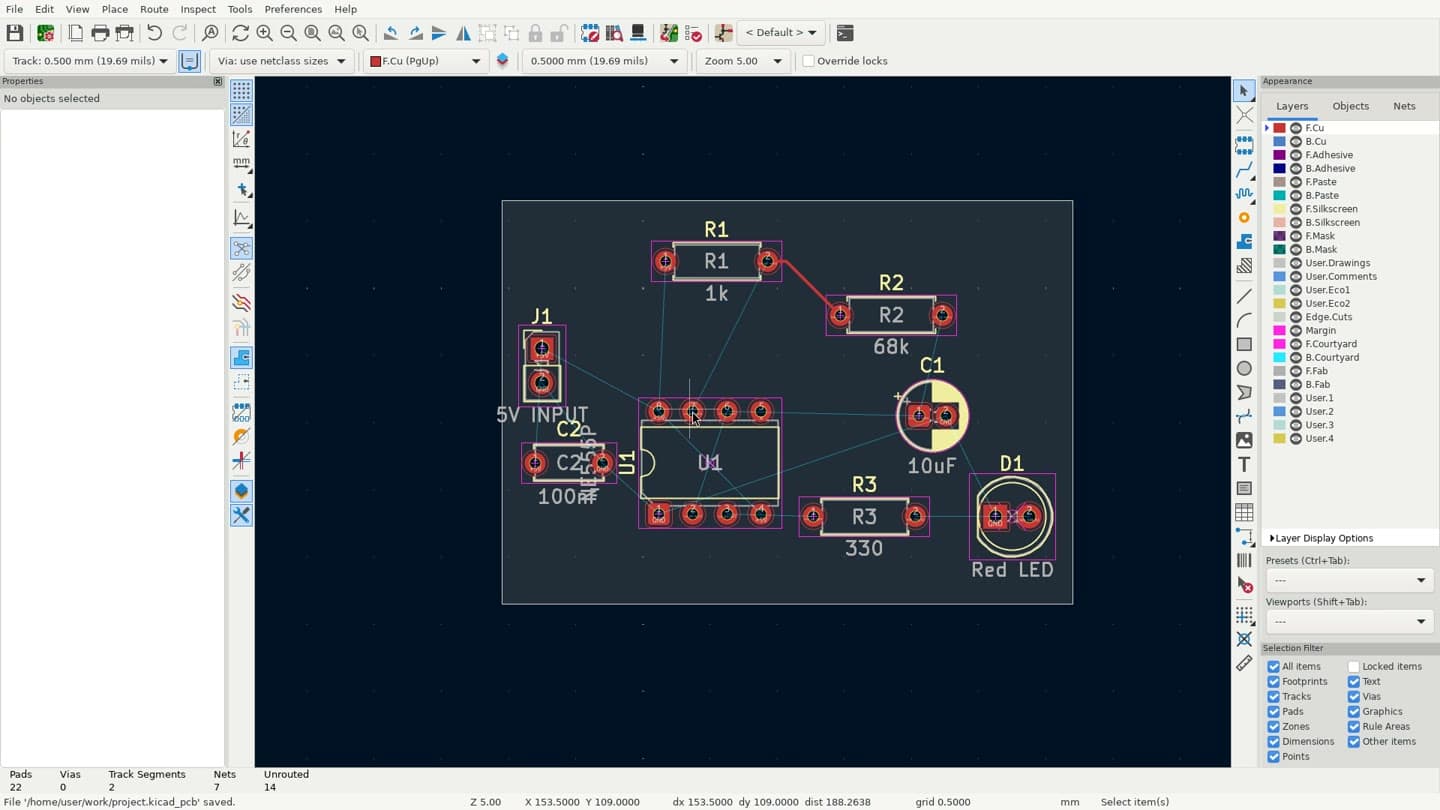
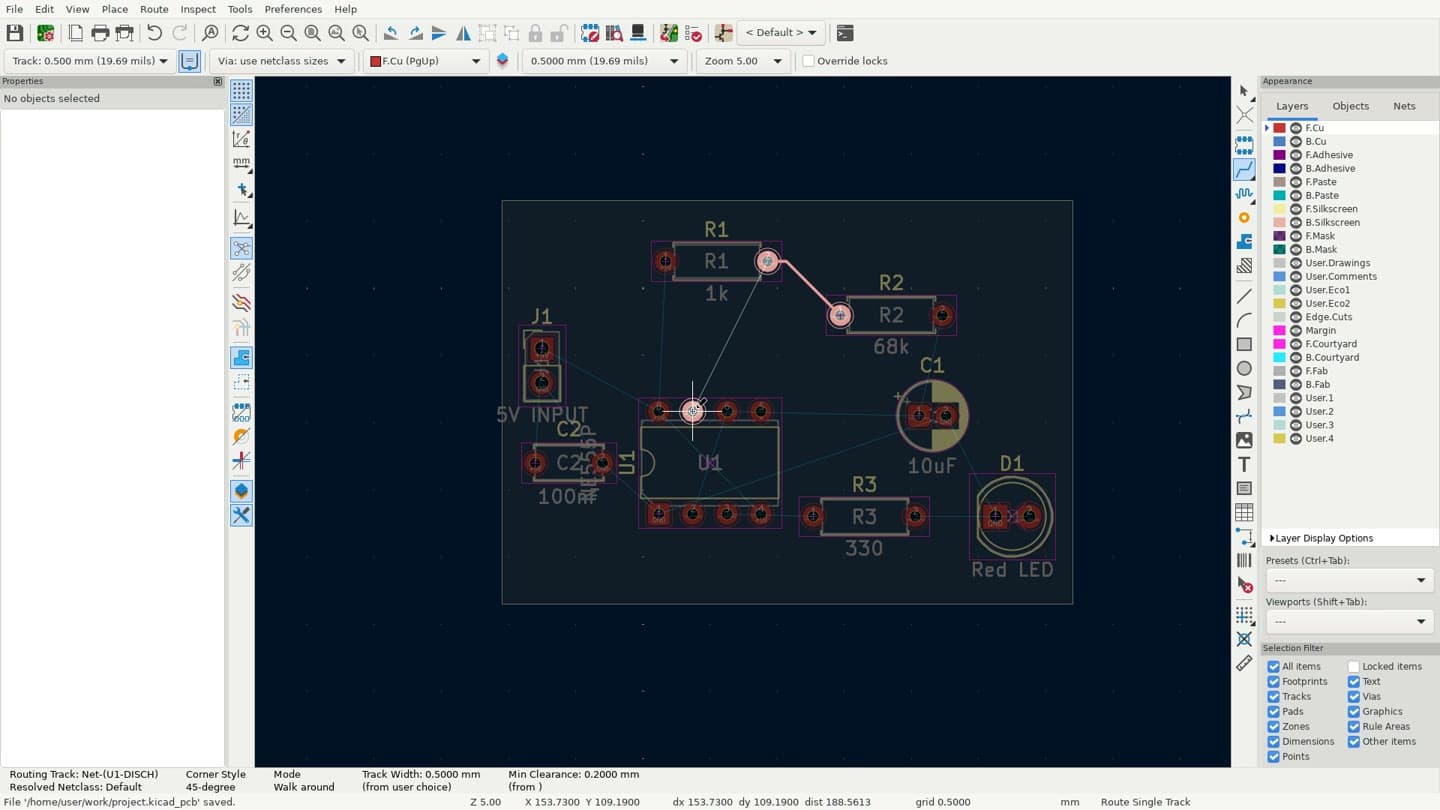
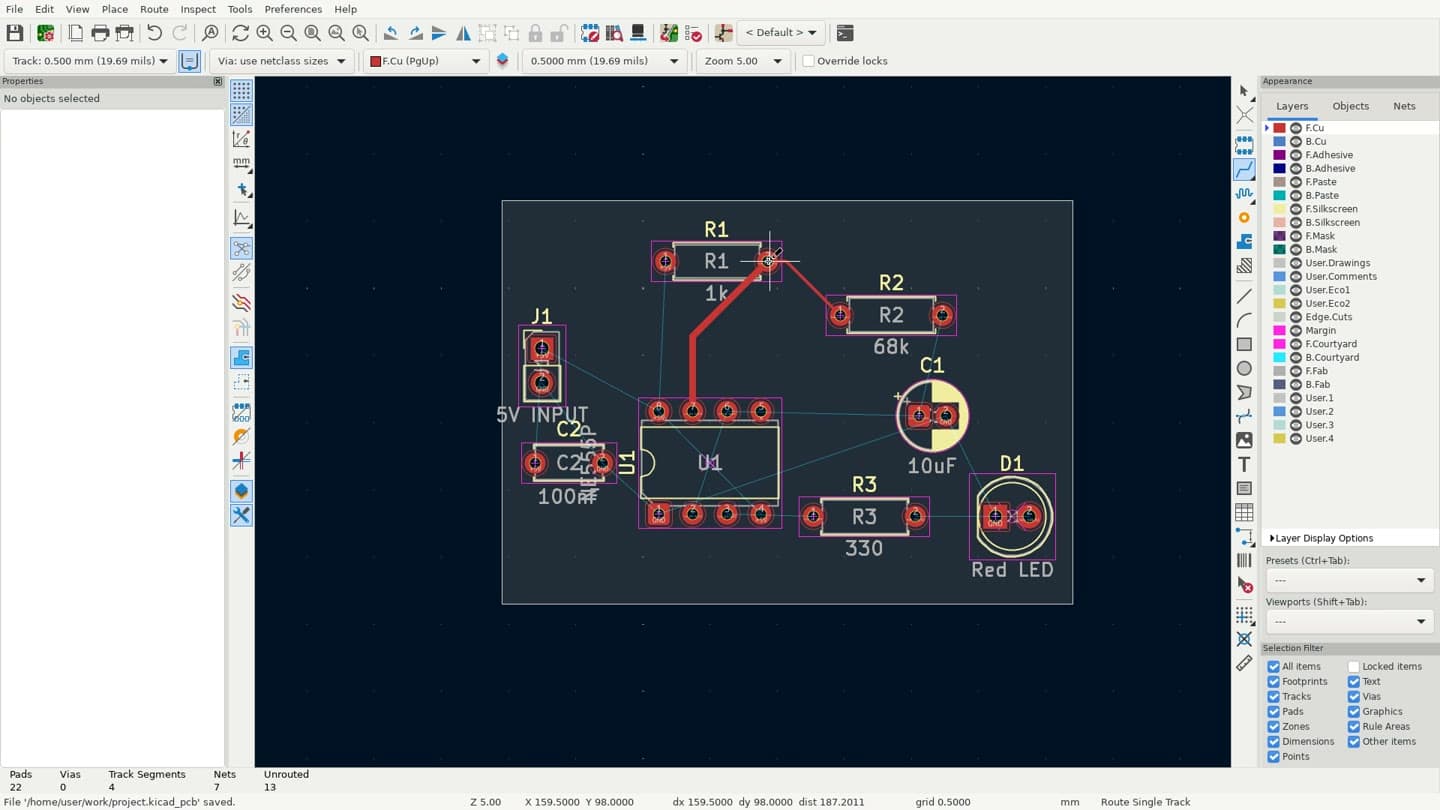
The software is installed, configured, and open.
Health checks verify the intended application is ready.
Bring any computer-use model or agent loop.
How Isle works
Generic machines leave the hard parts to your agent. Isle wraps each application in the monitoring, containment, and checkpoint controls it needs to complete real work.
Start a clean KiCad or FreeCAD environment with the SDK. No installation or desktop setup.
Use familiar screenshot, mouse, keyboard, and file-transfer primitives with any model.
Create artifact checkpoints while Isle monitors and contains the application.
Download the output, stop the environment, and resume it later with its state intact.
Application-aware by design
A machine can be healthy while the application is frozen, off task, or losing work. Isle monitors the layer your agent actually depends on and gives your agent explicit recovery controls.
Explore reliability in the docsIsle watches the application itself, not just whether the underlying machine is online.
Save an artifact checkpoint before important actions, then restore it when needed.
Restore the latest safe checkpoint and restart the application through the SDK.
Agents stay inside the intended workflow instead of wandering into the operating system.
Application environments
Each environment is built around its application: the right tools, file formats, guardrails, and health monitoring from the first action.
Electronics design
kicadSchematic capture, PCB layout, and electronics design with KiCad-native, Gerber, and BOM output.
3D engineering
freecadParametric modeling and engineering workflows with STEP, IGES, STL, and native FreeCAD files.
Need a managed environment for enterprise software? Talk to us
The API
Isle fits into the agent loop you already have. Control the application, move files in and out, and inspect the environment's health through the SDK. Bring the model and framework that work for you.
from isle import Client

isle = Client()
sandbox = isle.sandboxes.create("kicad")
sandbox.wait_until_ready()

# Connect any computer-use agent
image = sandbox.screen.screenshot()
sandbox.mouse.click(500, 300)
sandbox.keyboard.type("100nF")
sandbox.keyboard.keypress(["CTRL", "S"])

# Move artifacts in and out
sandbox.files.upload("schematic.kicad_sch")
sandbox.files.download("/home/user/work/board.kicad_pcb")

sandbox.stop()
Build with GPT-6 Astra
Python + desktop controlAstra can use Python to inspect the screen, operate KiCad or FreeCAD, and work with project files. Isle keeps that work in one desktop session, with screenshots and results returned to the agent after each step.
Use the same execution and observation APIs with any model. Get started with a new environment and Isle SDK 0.2.0 or later.
Environment side of the Astra loop · Isle SDK
from isle import Client

isle = Client()
sandbox = isle.sandboxes.create("kicad")
sandbox.wait_until_ready()

# Check the desktop's execution support
caps = sandbox.capabilities()
assert caps["execution"]["available"]
generation = caps["generation"]

# Run code in the application's desktop
result = sandbox.execution.run(
    "counter = 40\ndisplay(pyautogui.screenshot())",
    expected_generation=generation,
)

# Python state survives between calls
result = sandbox.execution.run(
    "counter += 2\nprint(counter)",
    expected_generation=generation,
)
print(result["stdout"])  # 42

sandbox.stop()
Pricing
Every plan includes managed environments and artifact checkpoints.
Free
$0
per month
Developer
$29
per month
Enterprise
Custom
tailored to your workload
